Backtest to paper trading: a checklist for validating your trading bot
Check signals, order handling, market-data timing, recovery, and risk limits before treating a paper trading result as operational evidence.
A strong backtest gives you a reason to investigate a strategy. Paper trading gives you a different test: does the bot make the intended decisions while data arrives, orders change state, and connections fail?
The useful outcome is a record of explained behavior, including failures. A rising simulated balance cannot tell you whether an entry was duplicated, an unfilled order was counted as a position, or a restart discarded the strategy’s state. Use the checklist below to test those questions separately from returns.
1. Freeze the strategy and its operating assumptions
Save the exact version you intend to validate. Changing a rule halfway through the exercise makes the before-and-after comparison ambiguous. Give each change a new version and restart the affected checks.
Your configuration record should cover:
- Rules: entry, exit, stop, and sizing logic, including indicator parameters and warmup requirements.
- Market: venue, instrument identifiers, asset type, permitted direction, and account currency.
- Timing: bar interval, session hours, timezone, bar timestamp meaning, and whether decisions use completed bars or intrabar updates.
- Execution: order type, time in force, quantity rounding, minimum size, and treatment of outstanding orders.
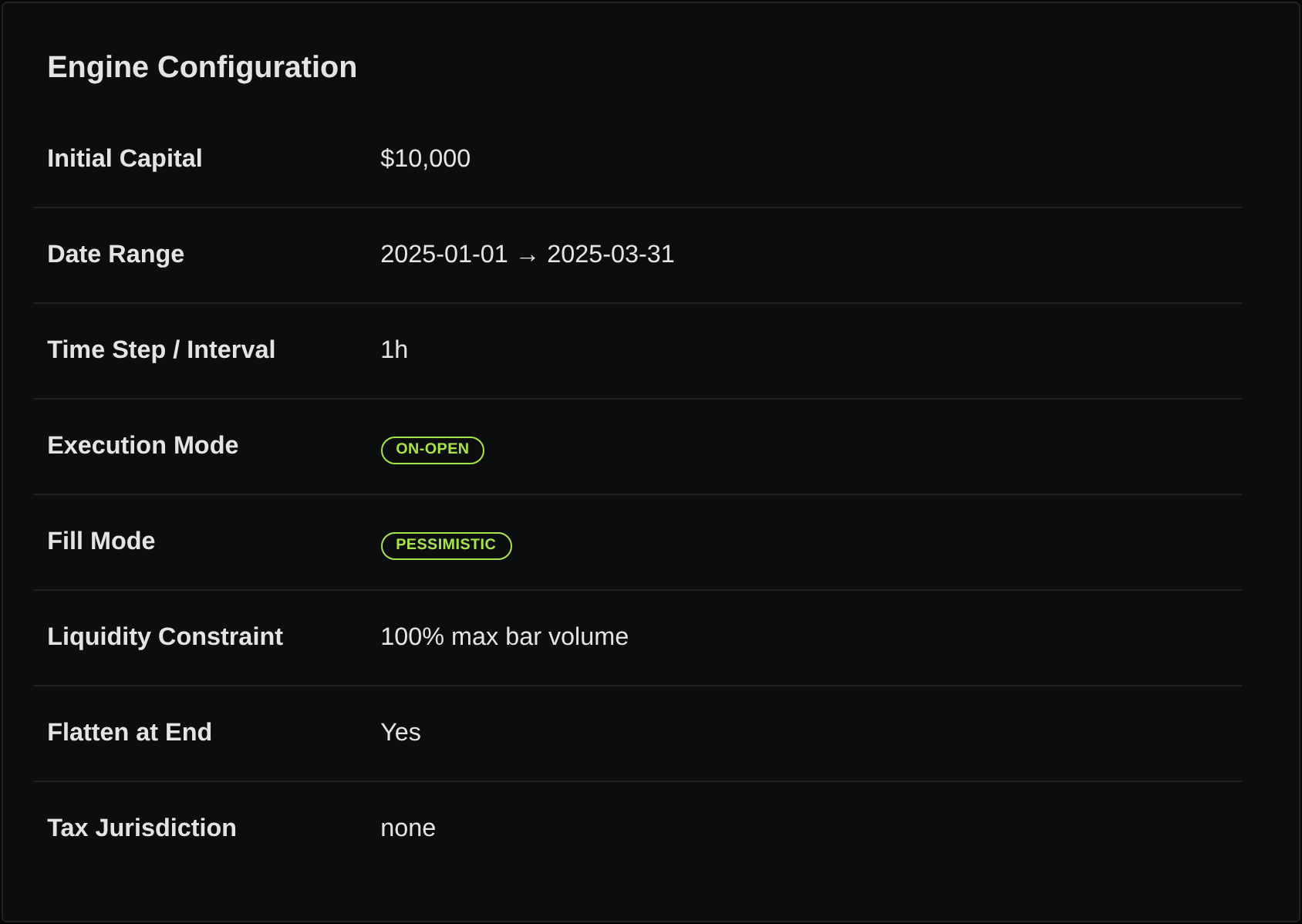
- Costs: spread, fees, slippage, and any borrowing, funding, or currency-conversion assumptions.
- Risk: maximum exposure, order limits, loss limits, and the intended behavior of stop and restart controls.
For an illustrative close-of-bar rule, write “evaluate after the five-minute bar is complete; submit an order afterward.” Do not treat that as an instruction to fill at the closing price already observed. Record what the historical fill model assumed and what the paper provider actually does.
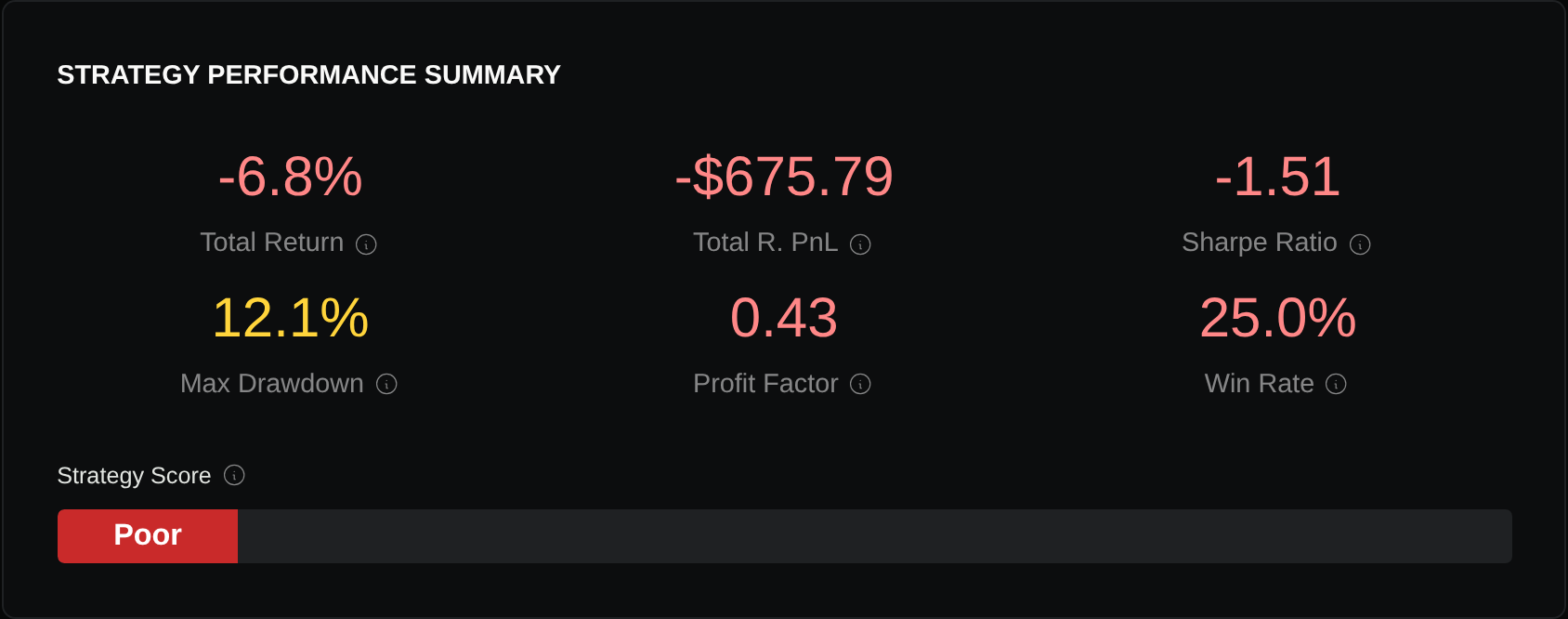
Keep the original backtest, trades, and configuration beside this record. They establish the historical baseline; they do not establish that the execution path works.
2. Verify the paper environment before enabling the bot
Confirm the provider, account, and connection are explicitly paper or simulated. A familiar screen or a copied strategy name is insufficient. Check the displayed mode and account identity, then confirm the connection uses that mode. Keep credentials private.
Alpaca, for example, documents separate paper credentials and a paper API endpoint. Its Paper Only accounts receive IEX market data, while its paper fills use the national best bid and offer. Those are different inputs to record when comparing a signal’s data with its simulated execution price. Alpaca paper-trading documentation
Before running, confirm that this specific account and mode support your instruments, order types, session, and direction. A stock paper account does not establish that a futures contract, perpetual swap, or short position is supported. For derivatives, record the actual contract, expiry or funding treatment, multiplier, and margin assumptions. For equities, record price adjustments and corporate-action treatment.
Use a dedicated paper session and a bounded instrument set. Match its starting balance and sizing assumptions to the intended comparison, and record any differences. Define an observation window and stop condition before launch; extend coverage to missing cases rather than running until the balance looks attractive.
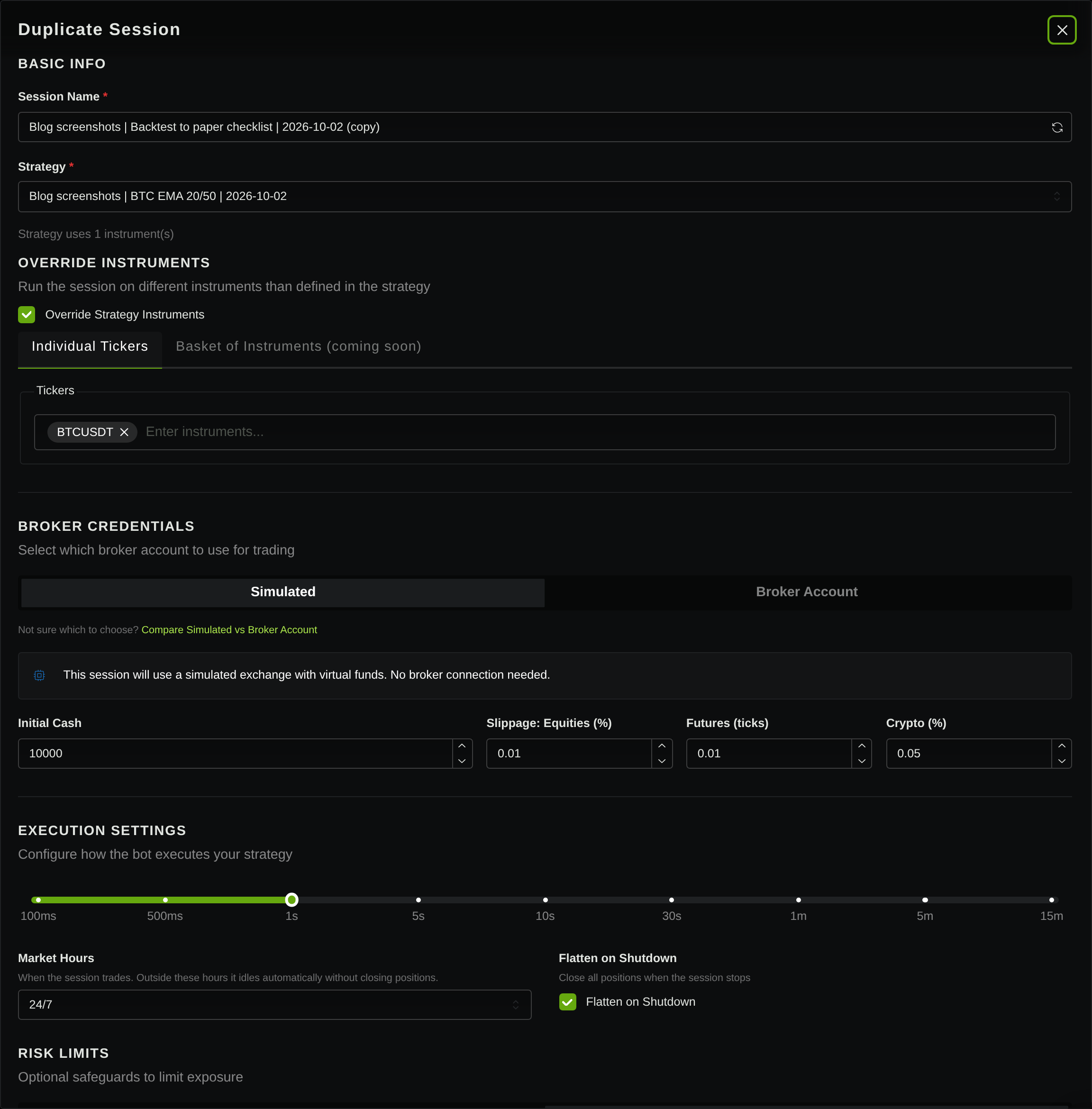
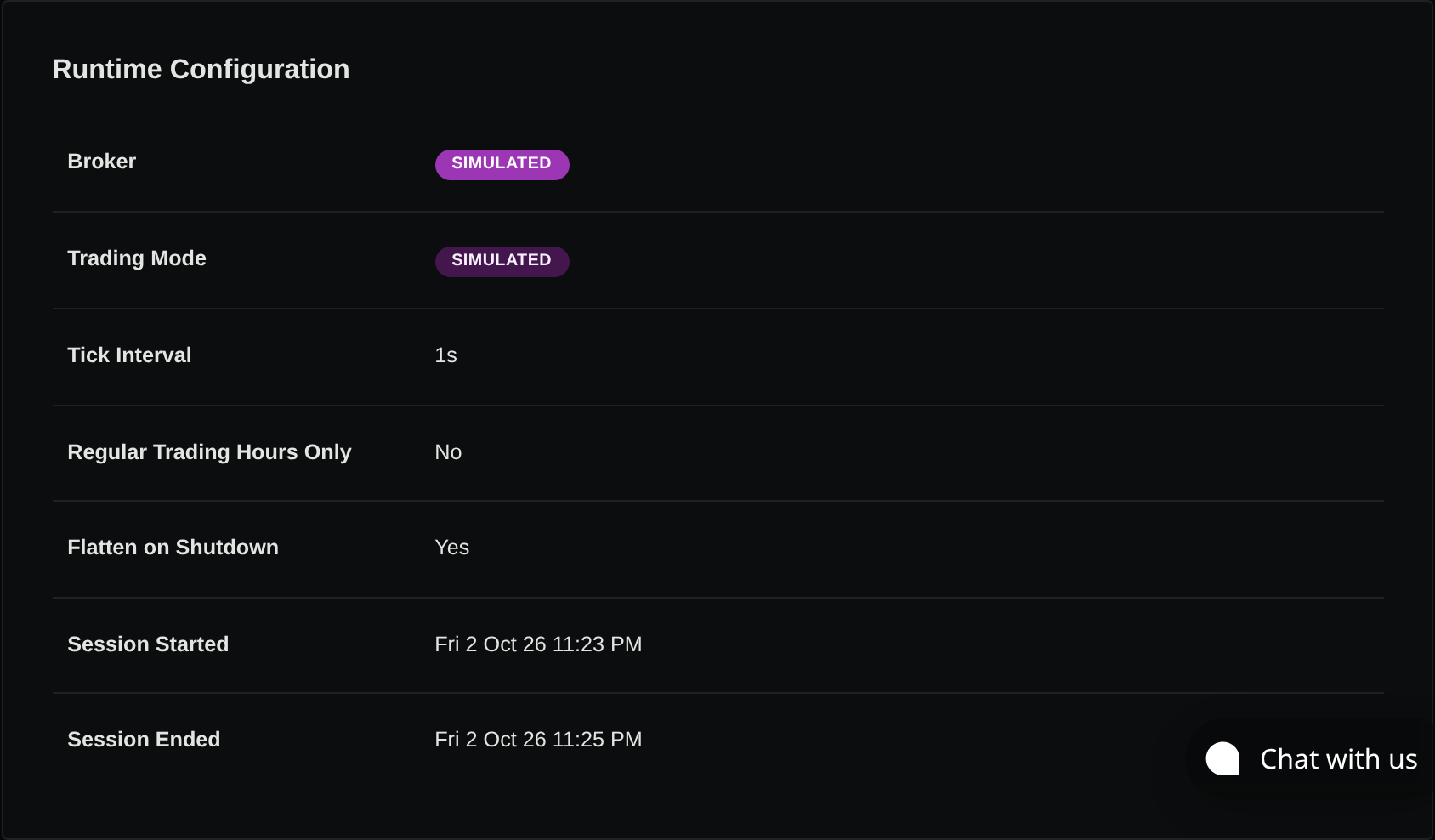
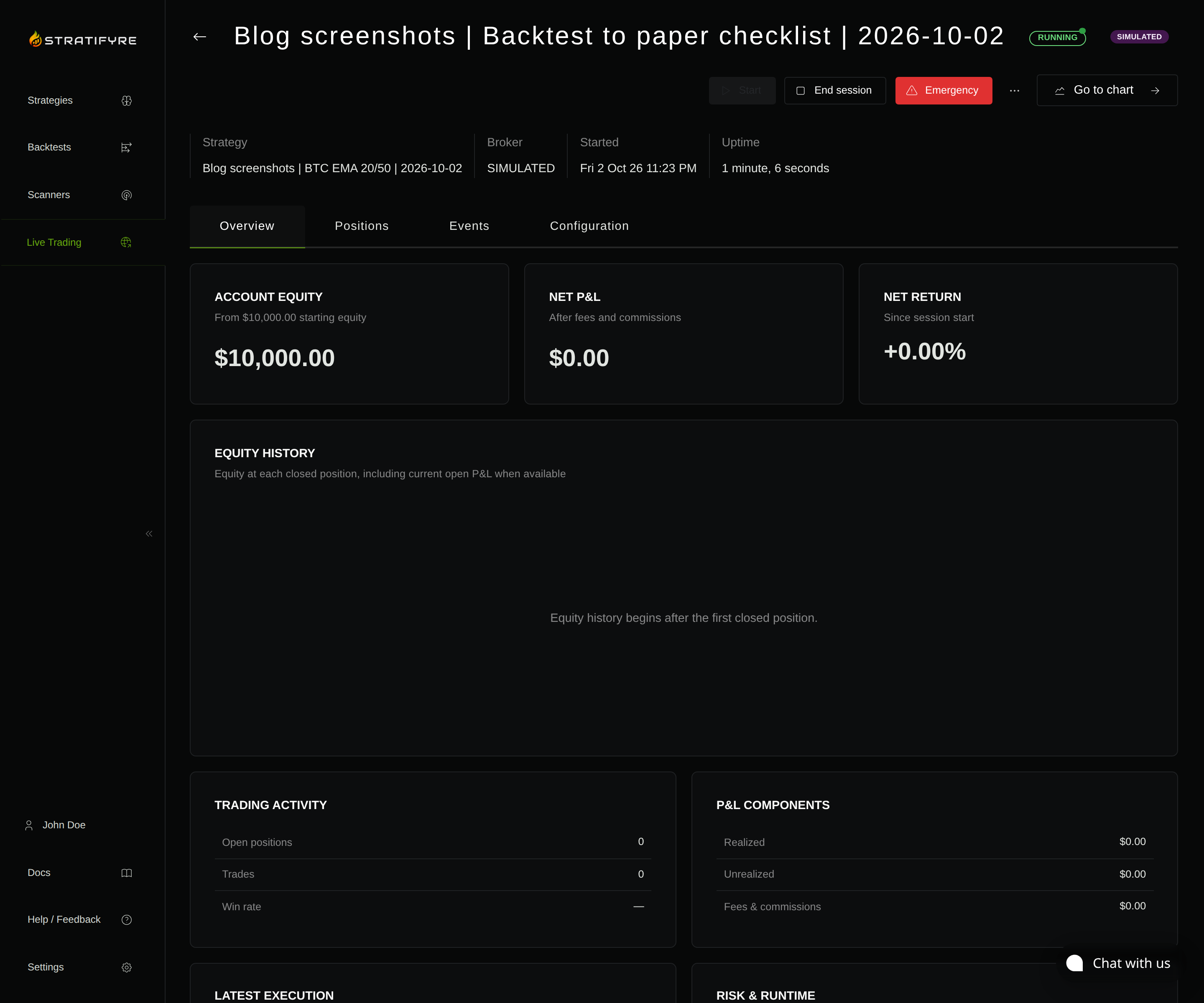
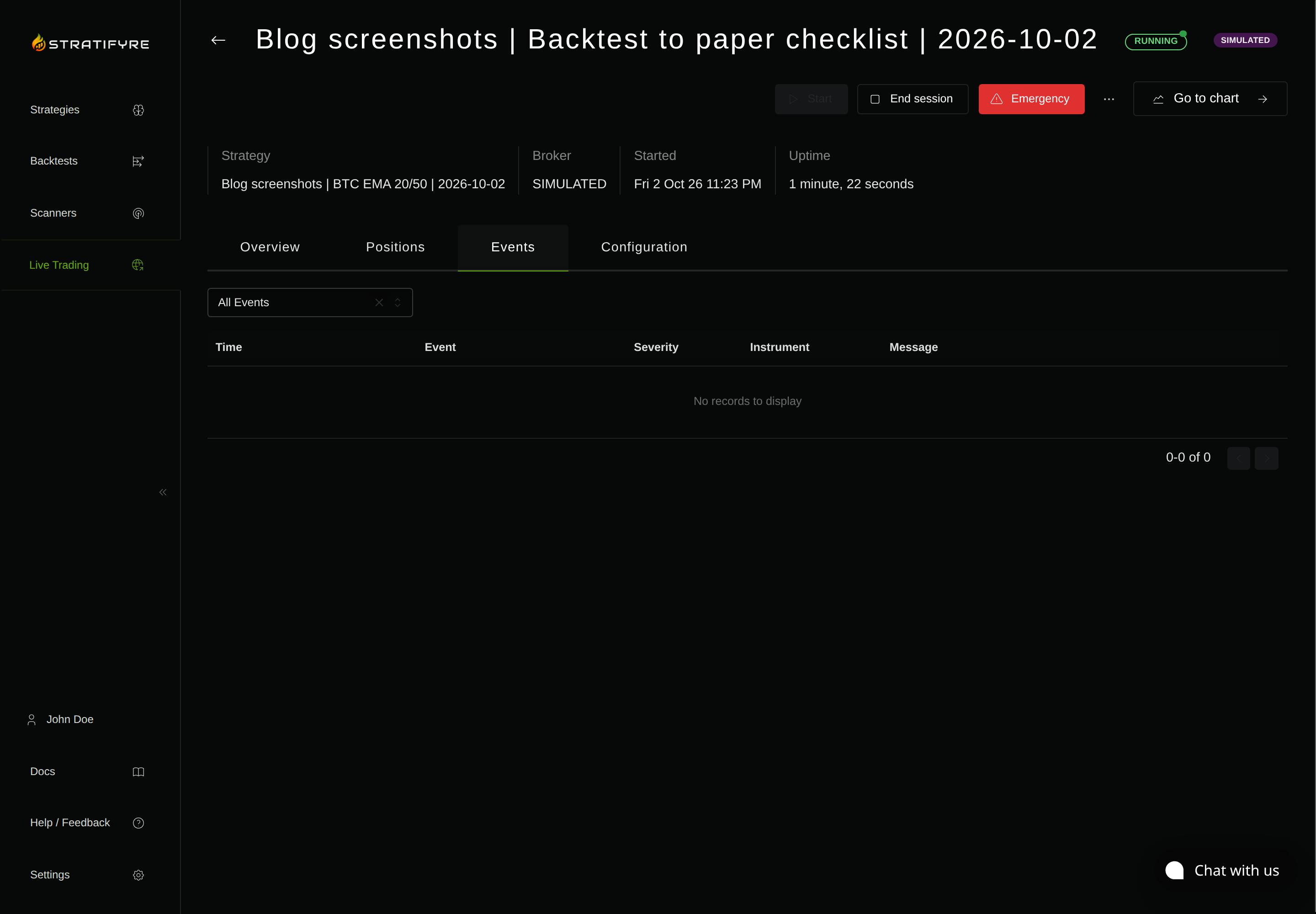
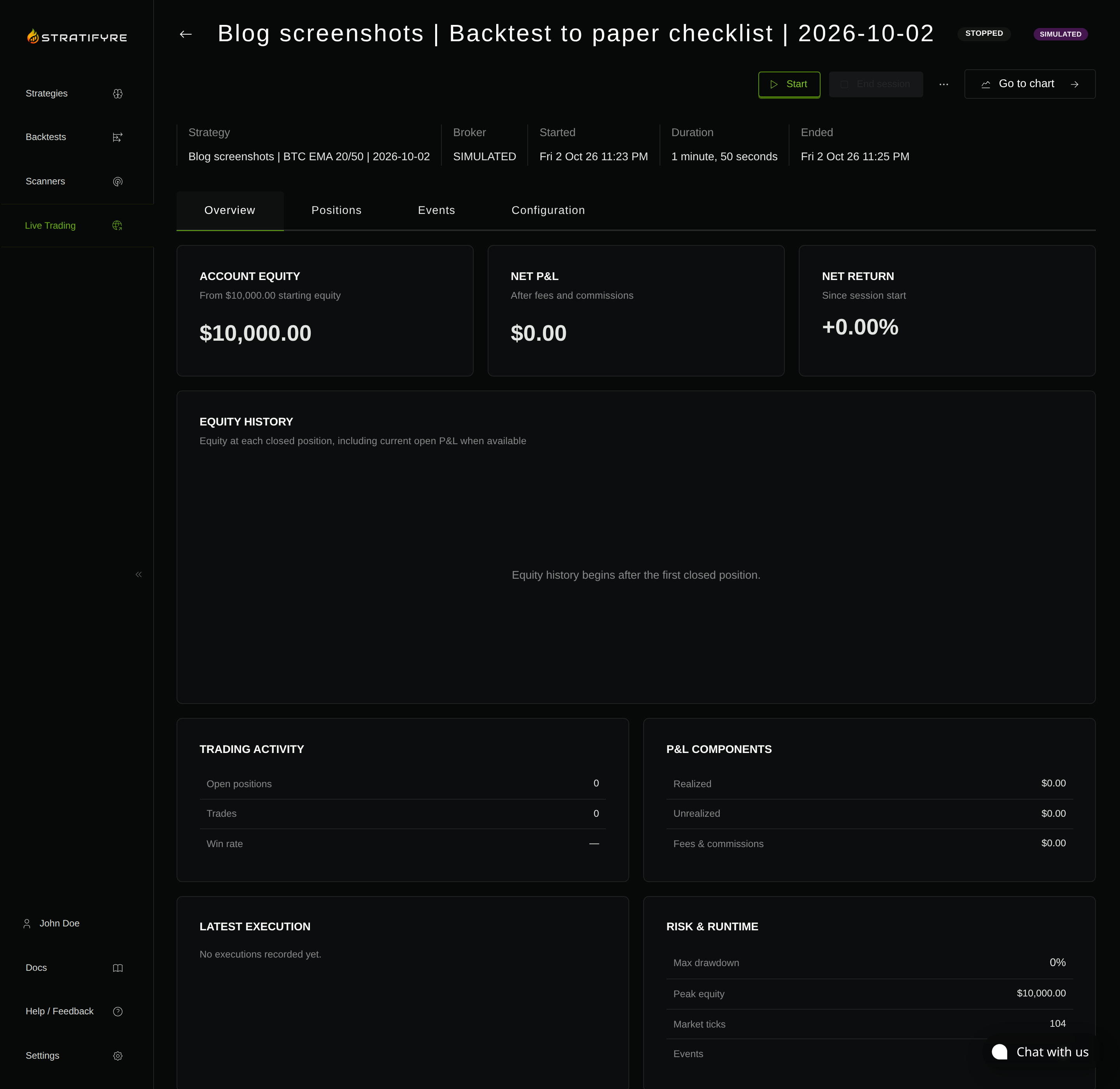
For this walkthrough, we created one BTC/USDT session in Stratifyre’s built-in Simulated mode with $10,000 virtual cash and the frozen EMA20/50 strategy above. We observed it for about 110 seconds, then stopped it. Its one-second runtime tick is different from the hourly historical backtest interval; this brief exercise verifies the visible setup and stop state, not equivalent signal timing or completed trading behavior.
3. Reconcile decisions before comparing P&L
Collect the data available to the bot at each decision, its decision timestamp, and the reason it entered, exited, or did nothing. Compare against the frozen rules using that same input. A historical bar that was revised later is a different input.
Use a small decision ledger:
- Signal: retain the bar or quote, indicator values, and rule result. Investigate a decision that differs on the same input.
- Timing: retain the data timestamp, receipt time, and decision time. Investigate unexpected use of incomplete or stale data.
- Sizing: retain the balance basis, exposure, rounding, and proposed quantity. Investigate quantities that differ from the frozen rule.
- Suppression: retain the warmup, session, risk, or pending-order reason. Investigate expected actions that disappear without explanation.
QuantConnect’s reconciliation guide describes differences caused by data delivery timing and scheduling, as well as state after algorithm restarts. These are useful categories to investigate; they are not evidence that another platform has the same behavior. QuantConnect reconciliation guidance
Include quiet periods and expected non-trades. A bot that correctly refrains from buying outside its session has passed a meaningful check. A bot with no trades because its data feed never became ready has not.
4. Follow each order through its lifecycle
Separate the signal from the order and the order from the fill. Retain the decision reference, order identifier, requested quantity, status changes, cumulative filled quantity, remaining quantity, and fill prices.
Where the provider reports fees, retain them with the fills or session statement and reconcile their effect on cash and P&L. Keep provider-reported charges separate from modeled costs. A missing fee record leaves a cost assumption unresolved; a zero simulated charge does not establish a zero live cost.
Check these cases in the verified paper environment:
- A normal entry and exit produce the intended position changes.
- A pending entry does not trigger duplicate submissions on subsequent updates.
- A rejected or expired order leaves the bot’s exposure accounting consistent.
- A cancellation is confirmed; requesting cancellation alone does not establish the final state.
- A partial fill updates exposure by the filled amount, with the remaining order tracked separately.
- A fill received around cancellation or reconnection is reconciled once.
Alpaca says its paper simulator can generate partial fills and does not restrict order quantity to displayed NBBO liquidity. A simulated large fill therefore cannot establish that the same quantity is executable in the market. Alpaca paper fill assumptions
If a case never occurs and you have no supported way to exercise it, mark it untested. Do not infer rejection or partial-fill handling from a sequence of clean fills.
5. Exercise risk controls and stop behavior
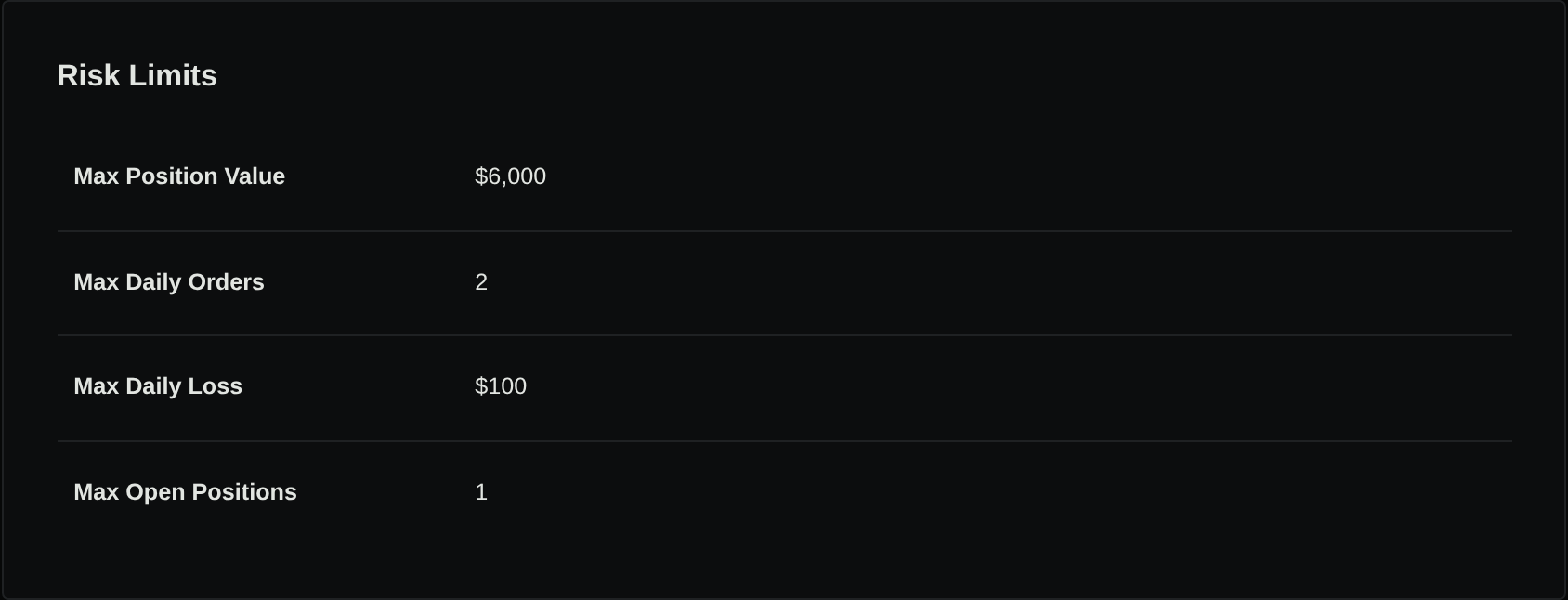
Write the expected response before testing each limit. Distinguish preventing additional exposure from reducing existing exposure; distinguish stopping decisions from cancelling orders or closing positions.
In the dedicated paper session, use controlled scenarios that cover:
- A proposed order above the configured position or exposure limit.
- Outstanding orders that could increase exposure if they fill.
- A breached loss or drawdown threshold, including its reset period and timezone.
- Repeated signals during a cooldown or order-count limit.
- Missing or stale market data.
- A manual stop with an outstanding order or simulated position.
For every scenario, retain the attempted decision, rejection or stop reason, final order state, and final simulated position. “The limit is configured” and “the limit rejected this order” are different pieces of evidence.
Read the stop control’s semantics before using it. Do not assume stopping a strategy closes positions, or that an emergency control guarantees a fill. Test only the dedicated paper session; account-wide controls can affect unrelated work.
6. Test restart and reconciliation explicitly
Plan a controlled restart while flat, then a separate paper scenario with an outstanding order or simulated position. Record the expected behavior before interruption.
After reconnecting, compare the bot’s view with the paper provider’s orders and positions. Check that indicator warmup completes, existing exposure is recognized, completed fills are accounted for once, and an old signal is not submitted again unintentionally.
Also record what happens when the connection drops after submission but before acknowledgement. An uncertain submission outcome requires reconciliation before retrying; a timeout does not establish that the provider rejected the order.
A restart that works while flat does not prove recovery with exposure. If you cannot safely exercise the latter in paper mode, leave that gate open.
7. Close with a divergence report
Classify each difference as a rule, data, timing, execution, cost, risk, or recovery issue. Record its explanation, corrective action, and the exact check to repeat. Keep unexplained differences open even if the simulated return is positive.
Alpaca lists market impact, latency-driven slippage, limit-order queue position, regulatory fees, and dividends among the effects its paper environment omits. Carry those limitations into your report rather than interpreting their absence as low cost or easy execution. Alpaca paper-versus-live limitations
Your completion record should distinguish passed, failed, untested, and outside the simulator’s scope. Require explained signal decisions, consistent order and position accounting, observed risk responses, and tested recovery cases. Specify which additional checks remain necessary.
Paper validation can support confidence in the behavior you observed. It cannot establish future profitability, live liquidity, or identical real-money fills. End the exercise by reconciling final paper orders and positions and confirming the dedicated session’s stop state.
Use Stratifyre’s paper-trading guide to prepare one strategy’s configuration record, then apply this checklist and review its divergences.
Put your strategy rules to the test
Build your strategy, inspect historical trades, and review the assumptions behind your results.
Build and test your strategy